






Bank Center
Link accounts from 30+ banks effortlessly. Gain a unified dashboard for total cashflow control and smarter, stress-free financial management. Ideal for SMEs, e-commerce retailers and startups.
Explore now














Accept payments from your customers and clients directly from your website or app.
Know more

Build seamless, secure and scalable in-app payments with SDKs optimized for fast integration and high conversion on mobile.
Know more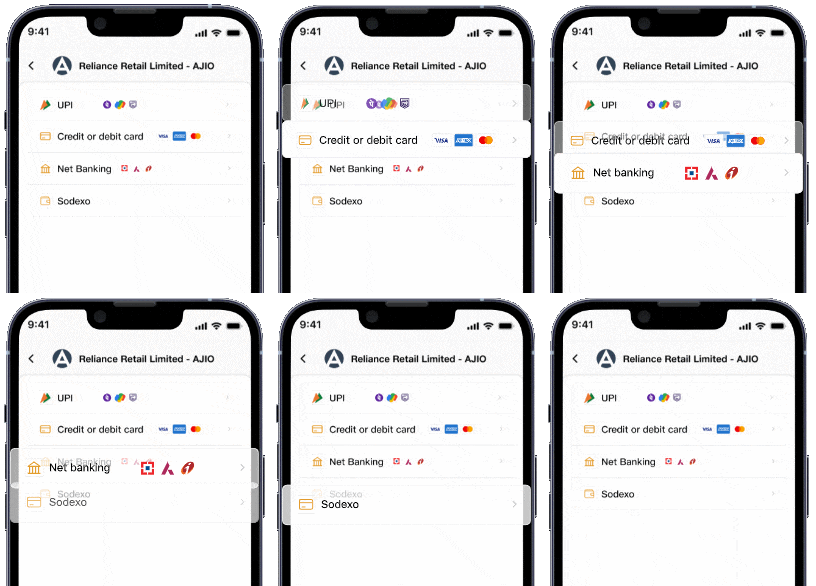

Enjoy our complete business payment solutions suite directly in your web browser.
Know more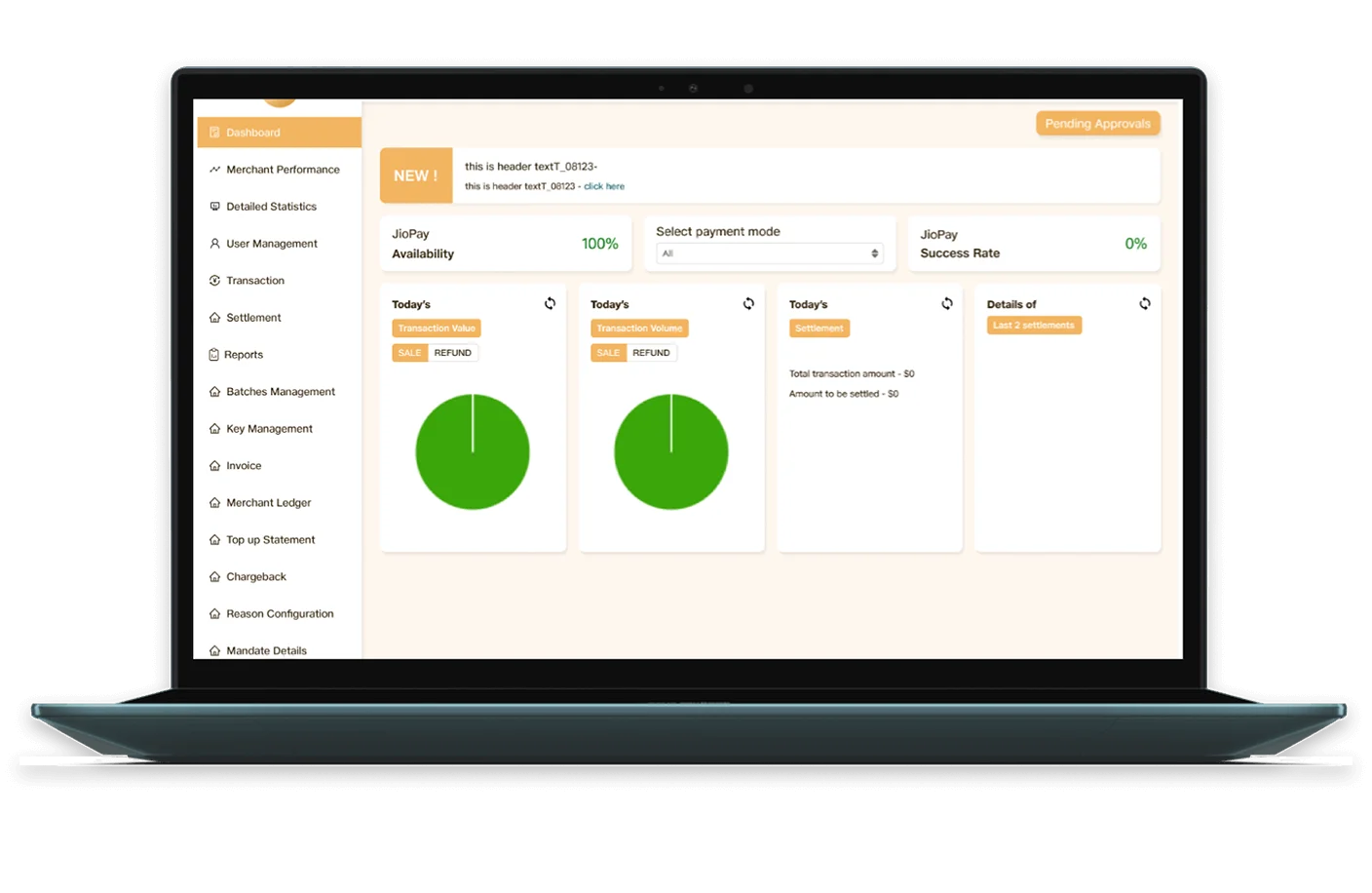
Link accounts from 30+ banks effortlessly. Gain a unified dashboard for total cashflow control and smarter, stress-free financial management. Ideal for SMEs, e-commerce retailers and startups.
Explore nowPay multiple vendors in one go. Make high-value payments easily. Automate payments of different amounts. Ideal for marketplaces, delivery platforms, and businesses.
Explore nowOur API-first platform and ready-to-use SDKs help you go live faster — without compromising on security or scalability.
Explore Now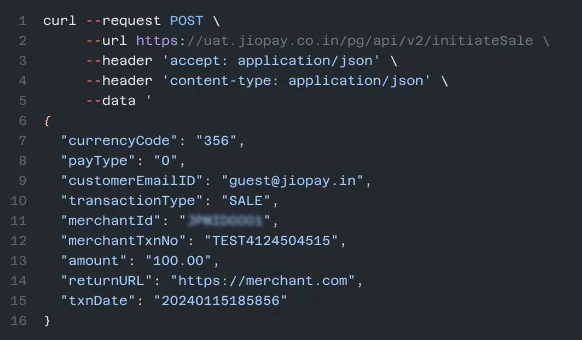

Jio Payment Solutions Limited provides dynamic payment workflows tailored to your business's unique needs for collecting payments and processing payouts

Power your integration with our easy-to-use API reference

Test-drive our APIs with live examples, multiple languages support, and see instant results
I can confidently say that JPSL’s payment solutions have been exceptional in terms of seamless integration and prompt support. I look forward to continuing this successful partnership with JPSL as we scale our business
 jk
Anay Agarwal
Business Head

JPSL has been a great partner for our business with its seamless integration and continuous merchant support. The onboarding process was incredibly smooth, and their support team ensured everything was up and running in no time. It’s the perfect payment partner for businesses looking to streamline transactions effortlessly!
 jk
Uday Joshi
B2C-CFO

I would like to extend our sincere gratitude to the JPSL team for their exceptional support. The integration was seamless thanks to the clear documentation & outstanding reliability. The checkout process is both secure & user-friendly, offering a variety of payment methods. The dashboard, with its real-time insights has significantly enhanced our ability to monitor transactions & make data-driven business decisions.
 jk
Aswini Kumar
Head FC&A - AJIO B2B

We are using the JPSL PG services for the last 2 years and found it extremely satisfying in various aspects like integration security, user experience and overall success rate.
 jk
Ritwik Dastidar
Head IT - Jio World Centre

The JioFinance Voice Box with bluetooth is a dependable solution for my shop. It offers clear sound, reliable connectivity, seamless payments and settlements. The service is excellent and the team is very responsive.
 jk
Jio Payment Solutions Ltd (JPSL) Business is a payment aggregator and gateway provided by Jio Payment Solutions Limited (formerly known as Reliance Payment Solutions Ltd.), a subsidiary of Jio Financial Services Limited (JFSL) (formerly known as Reliance Strategic Investments Ltd.). It is a comprehensive business application designed to empower merchants with seamless payment solutions. It provides secure digital payment services, including online payments, offline payments, QR code payments, and UPI payments, enabling businesses to manage collections and payouts efficiently. With JPSL Business, businesses can streamline their payment operations and provide a seamless payment experience to their customers.
The JioPay Business App is designed for retailers, merchants, and businesses to accept and manage payments seamlessly. It acts as an all-in-one online payment platform where merchants can perform payment processing activities like accepting payments, viewing past transactions, issuing refunds, editing their profile and much more. The app ensures fast, reliable, and secure transactions for both online and offline payments
At the time of login to the JPSL Business App/Dashboard, click on “Forgot Password” and follow the instructions indicated to reset your password. This ensures safe access to your account and uninterrupted use of JPSL’s payment solutions and merchant services