Start accepting UPI
payments in minutes. For free.
Contact usTransform your business with the Jio Payment Solutions Ltd. Static QR

Increase Sales & Reach
Attract digital-first customers who prefer cashless payments.

Expand your Customer Base
Reach customers who might not carry cash or cards.

Boost Efficiency
Eliminate cash handling hassles, reduce time spent on change, and simplify daily reconciliation.

Lower Operational Costs
No need for expensive POS terminals or ongoing maintenance

Enhance Security
Minimize theft and fraud risk by reducing cash on hand.

Real-time Confirmation
Get instant alerts for successful transactions.
Modernize your Image
Project a technologically advanced and customer-centric business image.
How it works..
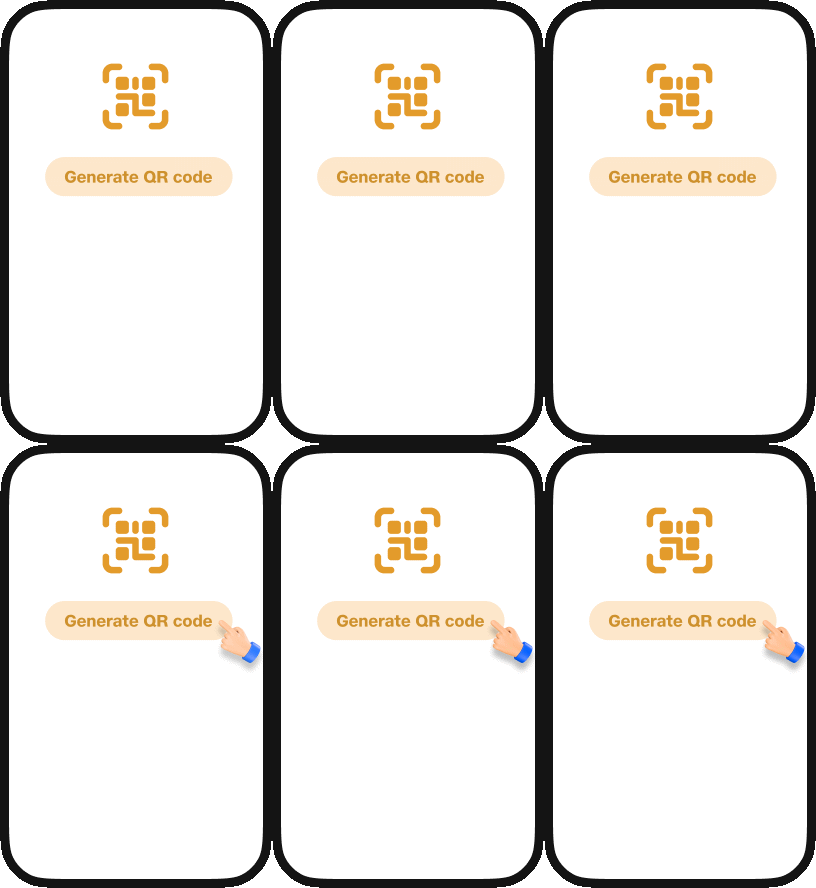
A visual flow of how it works
Get your QR
Sign up and receive your unique JIO Pay Static QR code.
Display
Place the QR code prominently at your payment counter.
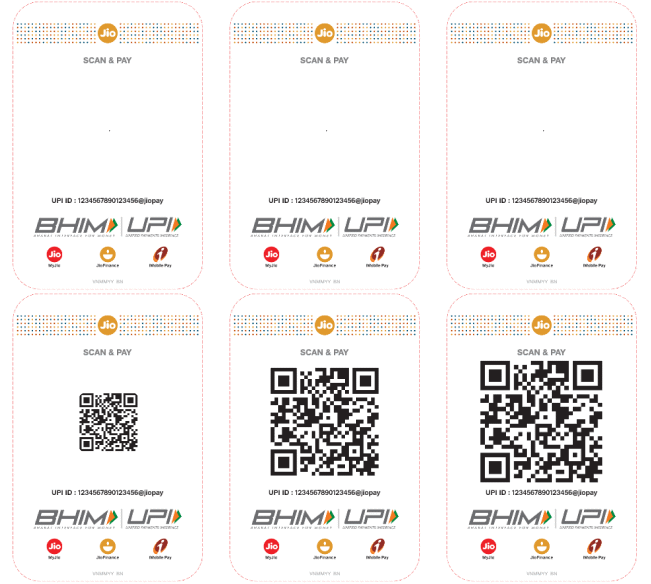
Get Paid
Customer scans, enters amount, pays. You get instant confirmation.

One QR for all Apps
Give your customers the freedom to pay with their favorite UPI app.





Experience the Jio Payment Solutions Ltd. difference
Still have questions?
Jio Payment Solutions Ltd (JPSL) Business is a payment aggregator and gateway provided by Jio Payment Solutions Limited (formerly known as Reliance Payment Solutions Ltd.), a subsidiary of Jio Financial Services Limited (JFSL) (formerly known as Reliance Strategic Investments Ltd.). It is a comprehensive business application designed to empower merchants with seamless payment solutions. It provides secure digital payment services, including online payments, offline payments, QR code payments, and UPI payments, enabling businesses to manage collections and payouts efficiently. With JPSL Business, businesses can streamline their payment operations and provide a seamless payment experience to their customers.
The JioPay Business App is designed for retailers, merchants, and businesses to accept and manage payments seamlessly. It acts as an all-in-one online payment platform where merchants can perform payment processing activities like accepting payments, viewing past transactions, issuing refunds, editing their profile and much more. The app ensures fast, reliable, and secure transactions for both online and offline payments
- To download the JioPay Business App, follow these steps:
- Open the Google Play Store app on your phone.
- Search for "JioPay Business" and select it.
- Tap "Install" to download and install the app.
- Start using JPSL's digital payment services for online payments and offline payments.
- Alternatively, download the JioPay Business App directly from: https://play.google.com/store/apps/details?id=com.jiopay.business
- Note: The JioPay Business App is available for Android devices on the Google Play Store.
At the time of login to the JPSL Business App/Dashboard, click on “Forgot Password” and follow the instructions indicated to reset your password. This ensures safe access to your account and uninterrupted use of JPSL’s payment solutions and merchant services
- If you are unable to log in to the JPSL Business App or Dashboard, try the following:
- Check your internet connection: Ensure you have a stable internet connection by switching between Wi-Fi and mobile data.
- Reinstall the app: Uninstall the JioPay Business App and reinstall it to ensure you have the latest version.
- Verify your username and password: Double-check that you are entering the correct credentials. Use the "Forgot Password" option if you need to reset your password.
- If the login issues persist, kindly contact merchant.support@jiopay.in for further assistance. Our team ensures uninterrupted access to secure payment gateway services and online payment platforms.
- If the JPSL Business App is crashing on your phone, try the following steps:
- Check your internet connection: Ensure you have a stable internet connection by switching between Wi-Fi and mobile data.
- Delete and reinstall the app: Uninstall the JioPay Business App and reinstall it to get the latest version.
- Check phone software updates: Make sure your phone's software is up to date by checking for available updates.
- If the app still crashes, contact merchant.support@jiopay.in for assistance. Our team will help you restore access to payment solutions and merchant services.